


Isotherm Replacement Overheat Thermostat for Basic and Slim Water Heaters – Reset Button 381668 (SEA00042LA)
$149.00
In stock (can be backordered)
In stock (can be backordered)
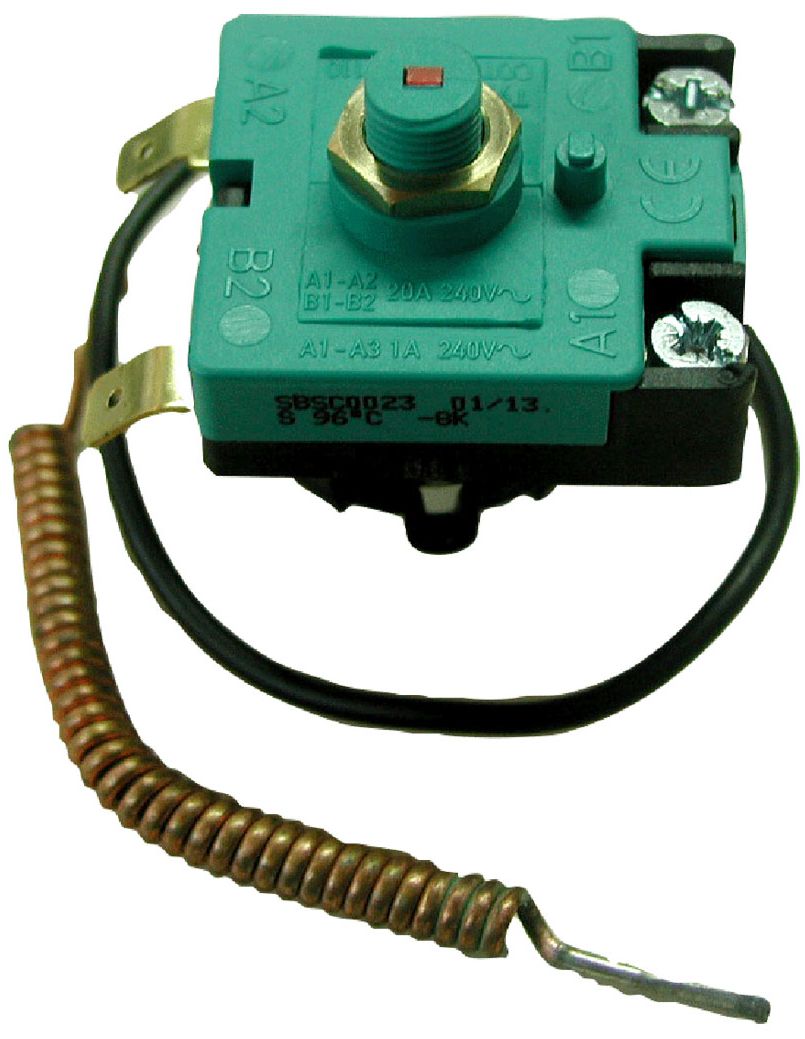
Isotherm Overheat Thermostat for Basic and Slim Water Heaters (SEA00042LA)
Over-Temp Reset Button
Replacing / re-setting thermostat:
Warning: Be sure to turn power off first!
The thermostat equipment has an integrated working thermostat and a double overheat protection thermostat. This is manually re-settable, by pushing the pin on the top of the thermostat (See fig. 10).
Also check why the overheat thermostat initially tripped before re-connecting the power supply.
Reset Thermostat:
- Turn off the power!
- Pull out the cable plug.
- Take off the front plastic cover (Basic and Slim 4 screws, Square 3 screws).
- Reset overheat thermostat.
Replacing thermostats:
- Pull off the cable shoes after having noticed their positions.
- Thermostat sensor ends are put into a tube on the heater element fastening flange.
- Pull them out.
- Unscrew fastening screws for the thermostats.
- Mount new thermostats in opposite order.
- Be sure sensor ends are properly put into the tube.

Always unplug the heater and/or turn off all circuit breakers and disconnect shore power connections before removing the connection cover . The electrical circuit is controlled by a service thermostat set to 75°C / 167°F and a double overheat protector that is set to 96°C / 205°F. If the overheat protector trip, it has to be manually reset.
This is done by pressing the small knob on top of the overheat protector.

Additional information
| Weight | 0.1 kg |
|---|---|
| Dimensions | 10 × 10 × 5 cm |
Related products
-
Sale!
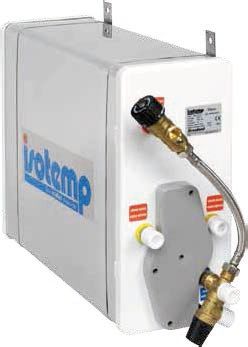
Isotherm Square 16 Hot Water Heater – 16Litre – 240VAC 750W Electric and Heat Exchanger (KTH601631Q000003)
Original price was: $2,200.00.$1,895.00Current price is: $1,895.00. -
Isotherm Immersion Heater Replacement Element 115 Volt 750W – Suits Isotemp SLIM and BASIC Water Heaters 135722 (SEE00014HA)
$312.00 -
Sale!
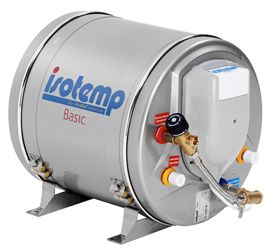
Isotherm Basic 30 (30L) Marine Hot Water Heater with Thermostatic Mixing Valve Fitted – 240VAC 750W and Heat Exchange (KTH603031B000003)
Original price was: $2,749.00.$2,131.00Current price is: $2,131.00. -
Sale!
Whale Optional Thermostatic Mixer Valve for Hot Water Systems – Temperature Adjustable with Integral Non Return Valve (136686)
Original price was: $559.00.$472.00Current price is: $472.00.